If your iPhone 18 Pro Max is charging slowly, the most likely cause is not a defective phone—it is the charger, cable, heat, battery level, or iOS charging management. To reach Apple’s fastest wired speed, you need a 60W-or-higher USB-C adapter with Adjustable Voltage Supply (AVS) and a compatible USB-C cable.
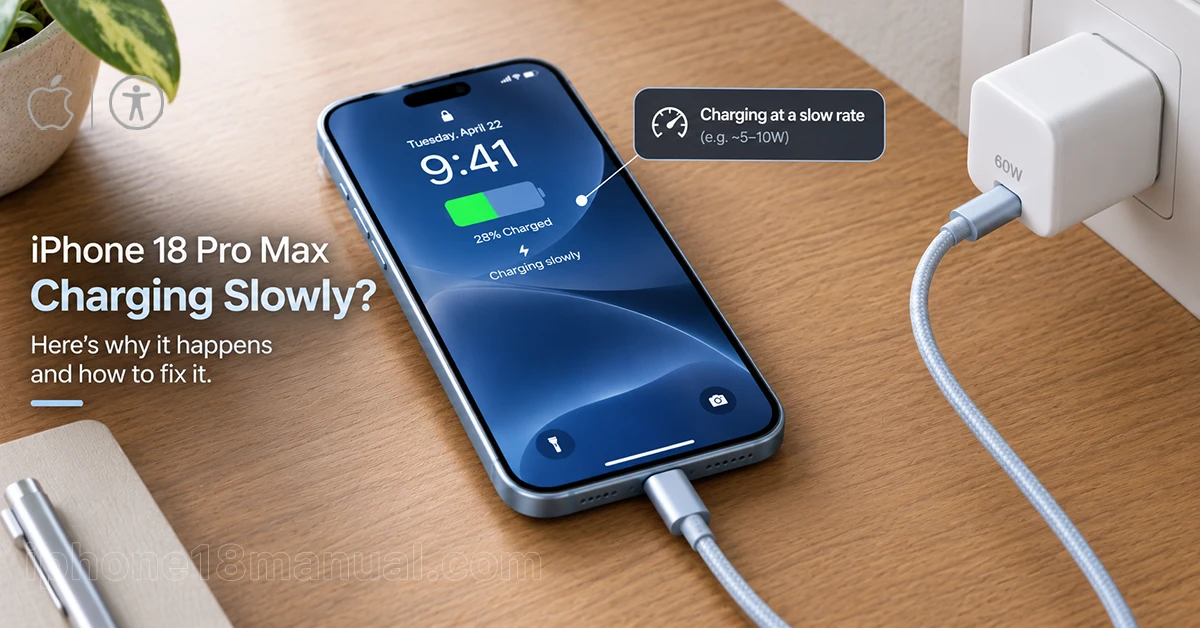
What “slow charging” Means
Apple’s iPhone 18 Pro Max can charge from 0% to about 50% in roughly 15 minutes under ideal wired conditions. Independent testing has also shown a full 0–100% charge in about 55 minutes with a capable charger.
However, the phone does not maintain peak speed throughout the session. Charging is fastest early on, then slows as the battery fills and warms up; this is intentional battery protection, not necessarily a fault.
| Charging setup | Expected result | Why it may feel slow |
|---|---|---|
| 60W+ USB-C PD 3.2 adapter with AVS + compatible USB-C cable | About 50% in 15 minutes | This is the fastest supported wired setup. |
| 40W+ USB-C adapter without AVS | About 50% in 20 minutes; full charge around 80 minutes or more | The phone can still fast-charge, but not at maximum speed. |
| 20W–30W USB-C adapter | Noticeably slower charging | The adapter cannot deliver the power needed for the iPhone 18 Pro Max’s fastest charging phase. |
| Computer USB port or low-power hub | Very slow or inconsistent charging | Shared or limited power output reduces charging speed. |
| MagSafe or Qi2 wireless charging | About 50% in around 30 minutes with a 35W adapter | Wireless charging is convenient but slower than wired charging. |
| Old USB-A charger or thin/old cable | Slow charging | It may not support the wattage or USB-C Power Delivery requirements. |
Why your iPhone 18 Pro Max charges slowly
Your iPhone 18 Pro Max may charge slowly because you’re using a low-power adapter, a damaged USB-C cable, a dirty charging port, or a wireless charger that delivers less power than expected. Heat, heavy app usage, and battery protection settings can also reduce charging speed. Here are the most common causes and how to fix them.
1. Your adapter lacks AVS support
The biggest cause of slow charging is using a charger that cannot trigger the iPhone 18 Pro Max’s high-power charging mode. Apple specifies a 60W-capable or greater adapter that supports USB Power Delivery 3.2 and Adjustable Voltage Supply (AVS).
A 30W or 45W charger will still charge the phone, but it cannot deliver the same initial power burst. Testing indicates the Pro Max can draw roughly 52W at peak, but only for about the first 12 minutes before power tapers to protect the battery.
2. Your cable is not rated for fast charging
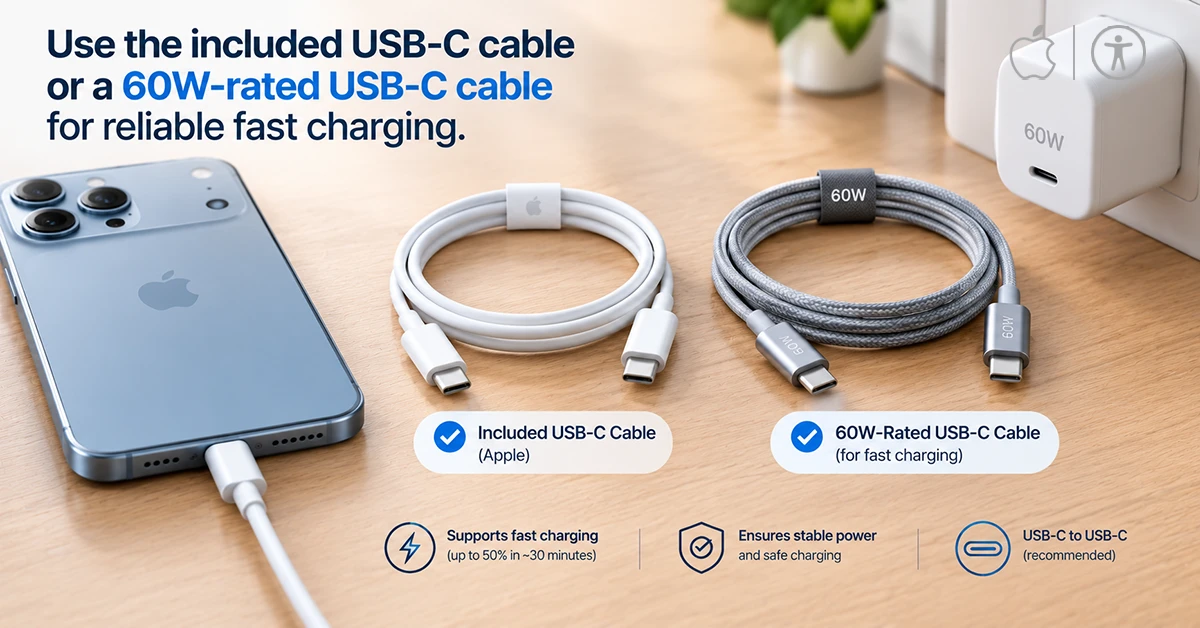
The USB-C cable included with the iPhone 18 Pro Max supports fast charging. If you use an older, thin, damaged, or low-rated third-party cable, it may limit power delivery even when the wall adapter is powerful.
Use a USB-C to USB-C cable rated for at least 60W. Avoid USB-A adapters if your goal is maximum charging speed.
3. Heat is slowing the charge
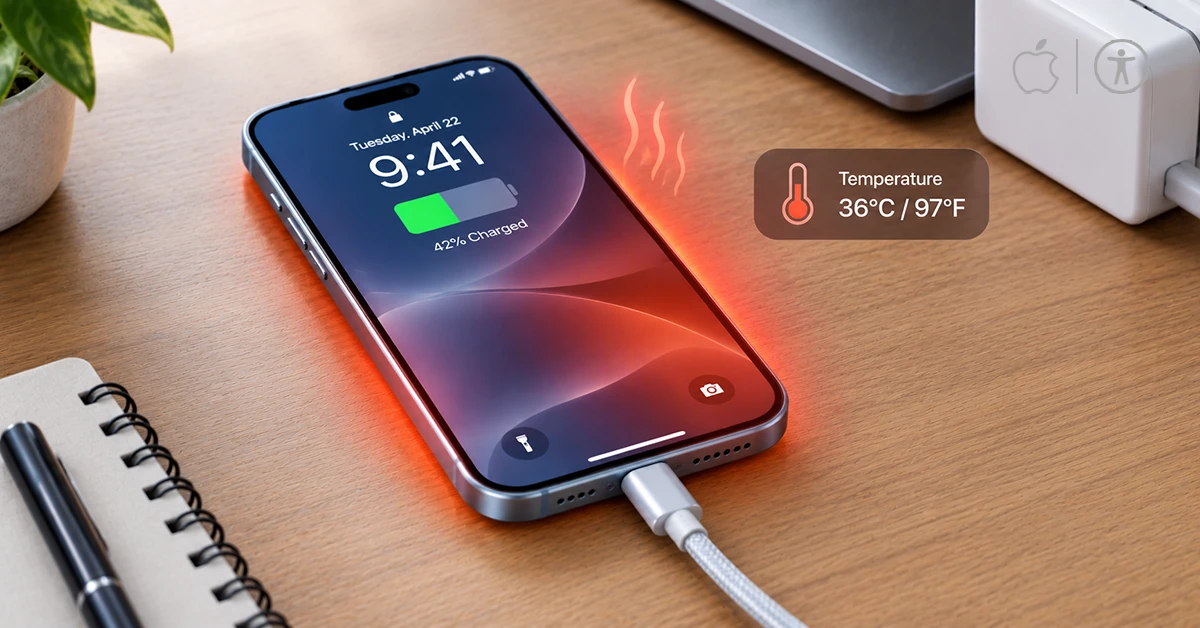
iPhones intentionally reduce charging speed when they become too hot or too cold. Fast charging may also fail to activate in extreme temperatures.
Common heat sources include:
- Charging while gaming, recording video, navigating, or streaming.
- Using the phone at full brightness while plugged in.
- Charging under a pillow, blanket, or in direct sunlight.
- Using a thick case that traps heat.
- Charging in a hot car.
Move the iPhone and charger to a cooler, ventilated location. Charging resumes at normal speed once the battery temperature returns to its acceptable range.support.apple
4. You are using the phone while charging
Processor-heavy activities compete with charging. Apple specifically notes that games, camera apps, high-quality video streaming, and other intensive features can reduce charging speed.
For the fastest top-up, lock the screen or stop using the iPhone while it charges.
5. The battery is already mostly full
Charging naturally slows near the top of the battery. In one detailed test, the iPhone 18 Pro Max entered a slower charging phase around the 80% range and later dropped to a low-power trickle stage before reaching 100%.
This is normal. Lithium-ion batteries charge quickly when depleted, then reduce current to limit stress and heat as they approach full capacity.
6. iOS is managing battery health
Features such as Optimized Battery Charging and charging limits can make the final portion of charging appear slow. These features are designed to reduce battery aging, not to prevent you from charging.
If you need a fast full charge before leaving, temporarily disable charging optimizations or adjust the charging limit in Settings > Battery > Charging.
7. Debris or damage is affecting the USB-C port
Lint, dust, or debris inside the USB-C port can prevent a solid connection. Apple recommends gently cleaning the port with a small, dry, non-metallic soft-bristled brush.
Also inspect the cable for fraying, bent connectors, or loose movement. If the connection cuts in and out when you move the cable, try another certified USB-C cable and adapter.
How to fix iPhone 18 Pro Max slow charging
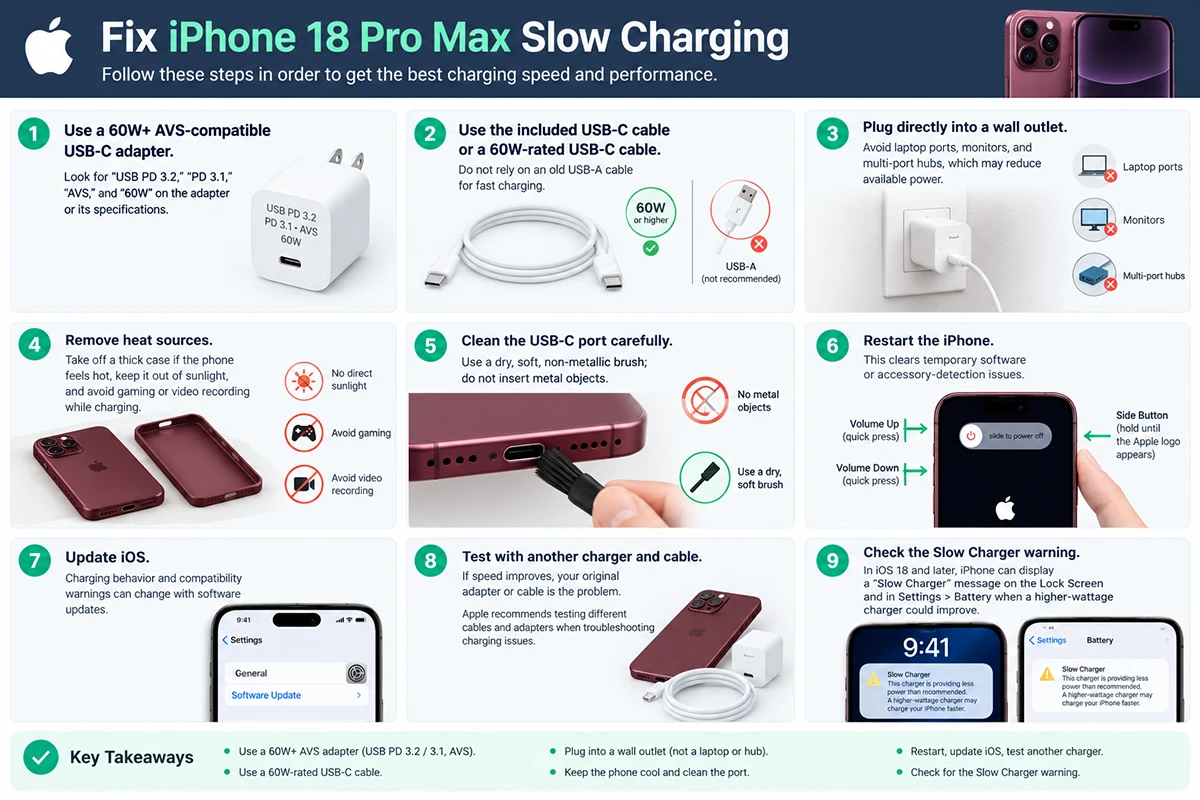
Follow these steps in order:
- Use a 60W+ AVS-compatible USB-C adapter. Look for “USB PD 3.2,” “PD 3.1,” “AVS,” and “60W” on the adapter or its specifications.
- Use the included USB-C cable or a 60W-rated USB-C cable. Do not rely on an old USB-A cable for fast charging.
- Plug directly into a wall outlet. Avoid laptop ports, monitors, and multi-port hubs, which may reduce available power.
- Remove heat sources. Take off a thick case if the phone feels hot, keep it out of sunlight, and avoid gaming or video recording while charging.
- Clean the USB-C port carefully. Use a dry, soft, non-metallic brush; do not insert metal objects.
- Restart the iPhone. This clears temporary software or accessory-detection issues.
- Update iOS. Charging behavior and compatibility warnings can change with software updates.
- Test with another charger and cable. If speed improves, your original adapter or cable is the problem. Apple recommends testing different cables and adapters when troubleshooting charging issues
- Check the Slow Charger warning. In iOS 18 and later, iPhone can display a “Slow Charger” message on the Lock Screen and in Settings > Battery when a higher-wattage charger could improve charging.
Wired vs. Wireless Charging
| Method | Best for | Typical speed | Important requirement |
|---|---|---|---|
| Wired USB-C with 60W+ AVS adapter | Fastest possible charge | About 50% in 15 minutes | PD 3.2 with AVS and a compatible cable. |
| Wired USB-C with 40W+ adapter | Fast everyday charging | About 50% in 20 minutes | Adapter must supply at least 40W. |
| MagSafe / Qi2 wireless | Convenience and bedside charging | About 50% in 30 minutes | Use a 35W or higher adapter with a MagSafe or Qi2 charger. |
| Low-power wireless pad | Overnight charging | Slow | Chargers below 10W wireless output charge slowly |
If speed matters, use wired charging. Wireless charging is more convenient, but it generates more heat and is generally slower.
When to contact Apple Support
Contact Apple Support or visit an authorized service provider if:
- The phone charges slowly with multiple known-good 60W AVS adapters and cables.
- The USB-C port is damaged, loose, or will not hold a cable securely.
The iPhone becomes unusually hot while idle or charging. - The battery percentage drops rapidly or behaves unpredictably.
- You see persistent charging errors after updating iOS.
Apple’s troubleshooting guidance includes cleaning the connector, testing different cables and adapters, and checking for intermittent connections before considering hardware repair.
Quick checklist
- Use a 60W+ USB-C PD 3.2 adapter with AVS
- Use the included USB-C cable or a 60W-rated USB-C cable
- Plug directly into a wall outlet
- Keep the iPhone cool and avoid heavy use while charging
- Clean the USB-C port gently if debris is present
- Remember that charging slows after roughly 80%
- Replace the adapter or cable if another tested setup charges faster
In most cases, upgrading to a 60W AVS-compatible USB-C charger and using a proper USB-C cable will solve iPhone 18 Pro Max slow charging immediately.
