Simple Ways to Hide Apps on Your iPhone 18 for Better Privacy
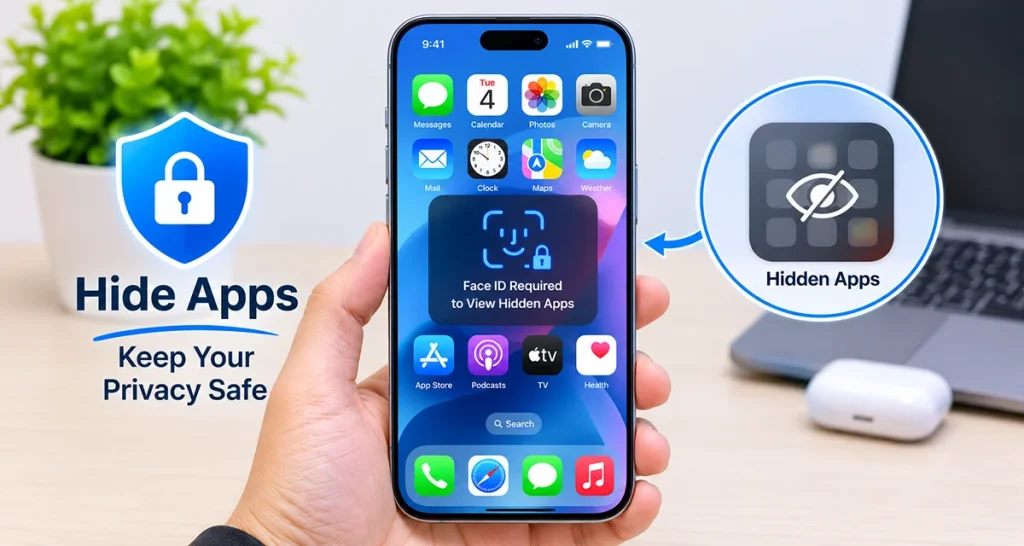
Want to keep certain apps private on your iPhone 18? You can hide apps using Apple’s built-in Hide and Require Face ID feature. It removes eligible apps from your Home Screen, regular App Library listings, and search results, then places them inside a protected Hidden folder. To hide an app, touch and hold its icon, select Require Face ID, choose Hide and … Read more >>