How to Connect iPhone 18 Pro Max to a Car (CarPlay, USB, and Bluetooth)
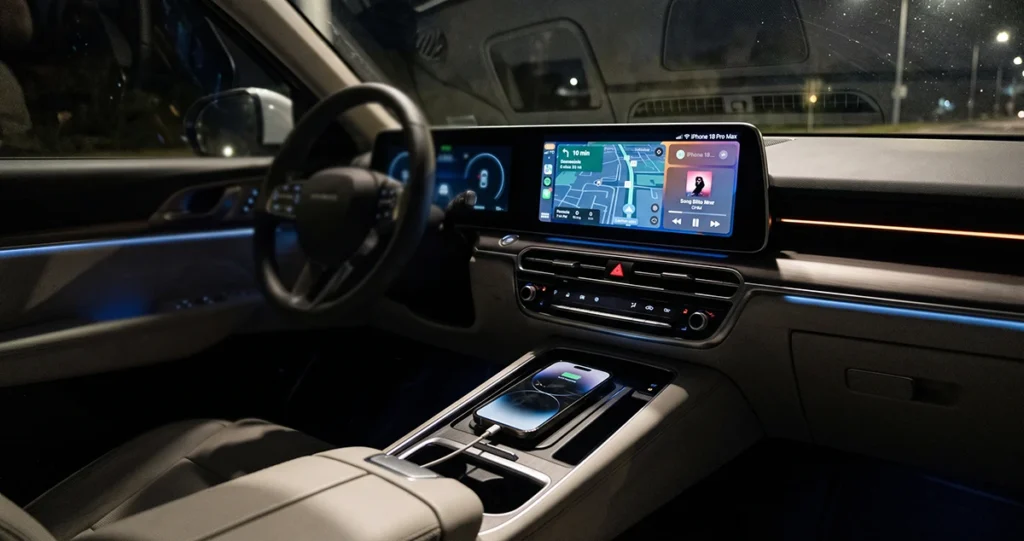
iPhone 18 Pro Max connected to a car infotainment system

If you want to connect iPhone 18 Pro Max to car, you can usually use Apple CarPlay, Bluetooth, or a USB cable, depending on your vehicle’s features. CarPlay lets you use supported apps, navigation, calls, messages, and music on your car’s display. Bluetooth is a simpler option for hands-free calls and audio, while USB may support CarPlay, audio playback, and charging. For … Read more >>
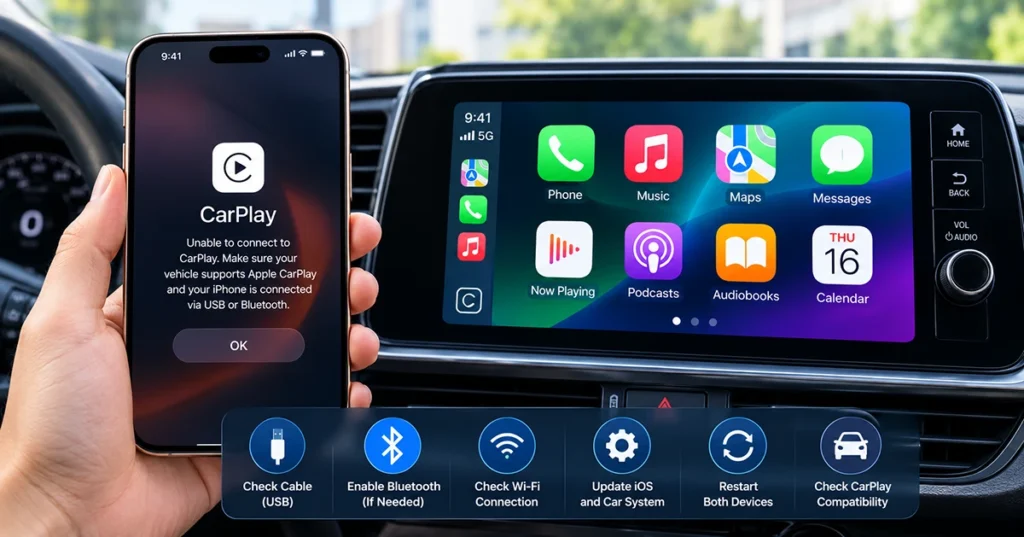
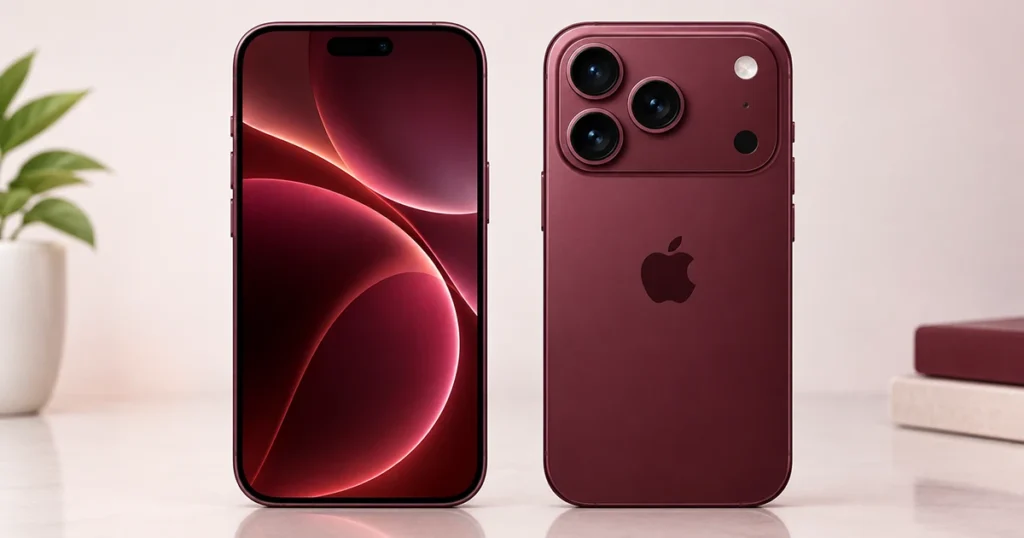
iPhone 18 Pro Max CarPlay Not Working? 10 Fixes to Try

iPhone 18 Pro Max connected to a car infotainment system with Apple CarPlay

If CarPlay is not working on your iPhone 18 Pro Max, start by checking the USB connection or wireless pairing, restarting your iPhone and car, and making sure Siri is enabled. If that does not help, check CarPlay permissions, forget your vehicle and reconnect, and install available software updates. The problem may be related to a USB data connection, wireless settings, an … Read more >>

iPhone 18 Pro vs iPhone 17 Pro: Is It Worth Upgrading?

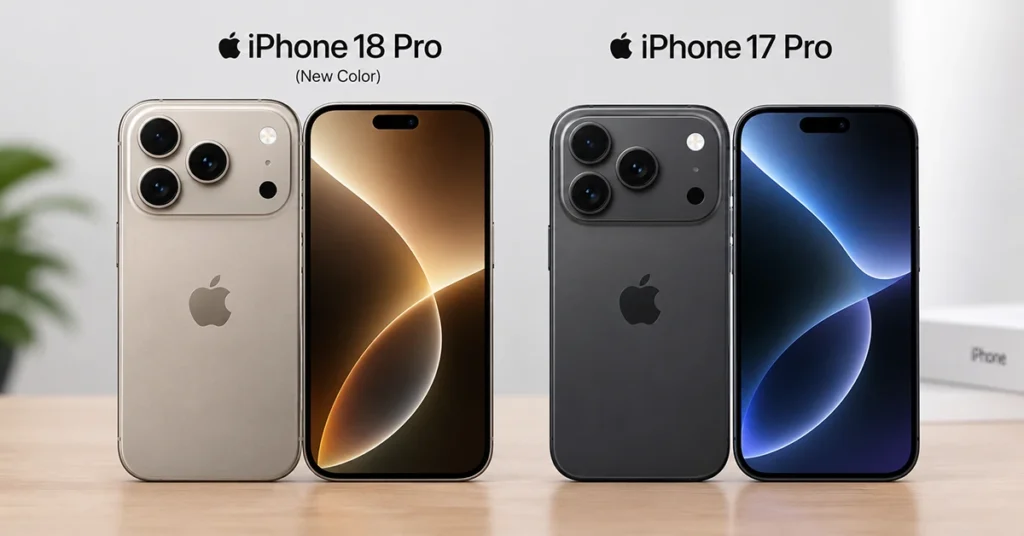
iPhone 18 Pro and iPhone 17 Pro side by side, showing their similar 6.3-inch design and rear triple-camera systems

The iPhone 18 Pro is the better phone for creators, gamers, and buyers who want the longest-lasting flagship. It adds Apple’s A20 Pro chip, a variable-aperture 48MP main camera, improved battery life, and faster charging. The iPhone 17 Pro is still excellent, but it is best bought at a discount rather than as a full-price upgrade. If you already own an iPhone … Read more >>

iPhone 18 Pro vs Pro Max: Which Should You Buy in 2026?

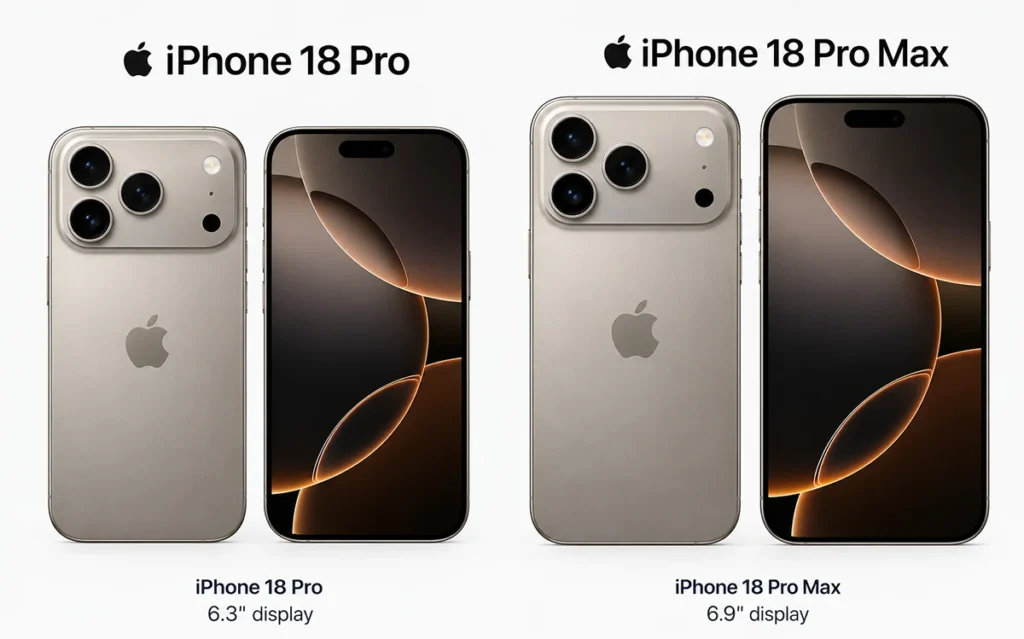
iPhone 18 Pro and iPhone 18 Pro Max side by side showing the size difference

The short answer: buy the iPhone 18 Pro if you want a smaller, lighter phone that costs $100 less. Buy the iPhone 18 Pro Max if you want the biggest screen and the longest battery life. Both phones use the same A20 Pro chip, the same rear cameras and the same storage options, so the decision comes down to size, battery and … Read more >>

Transfer Data from Android to iPhone 18 Wirelessly: Easy Move to iOS Guide

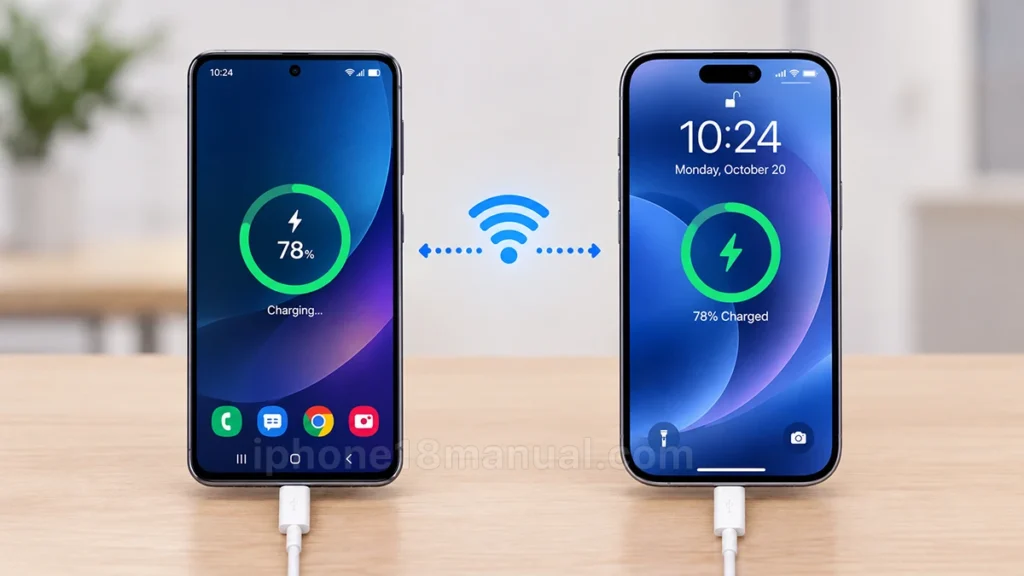
Android phone and iPhone 18 transferring data wirelessly using Move to iOS

You can transfer data from Android to iPhone 18 wirelessly with Apple’s free Move to iOS app. During your iPhone 18’s initial setup, it creates a private Wi-Fi connection to your Android phone and securely moves supported contacts, photos, videos, messages, apps, and more. This method is best if your iPhone 18 is new or has not completed setup. If you already … Read more >>