How to Put iPhone 18 Pro Max in DFU Mode: Step-by-Step Guide
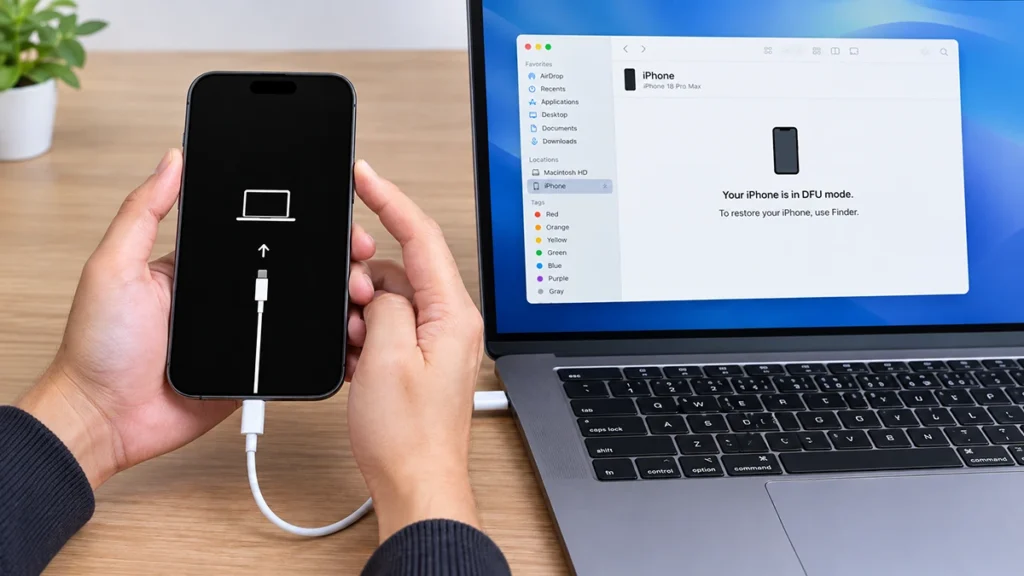
iPhone 18 Pro Max connected to a laptop while entering DFU mode

If your iPhone 18 Pro Max is stuck on the Apple logo, will not complete an iOS update, or refuses to start normally, DFU mode iPhone 18 Pro Max may be the most effective troubleshooting option. Short for Device Firmware Update, DFU mode allows a Mac or Windows PC to communicate with the iPhone at a low-level firmware stage, making it useful … Read more >>
How to Back Up iPhone 18 with iCloud: Complete Step-by-Step Guide

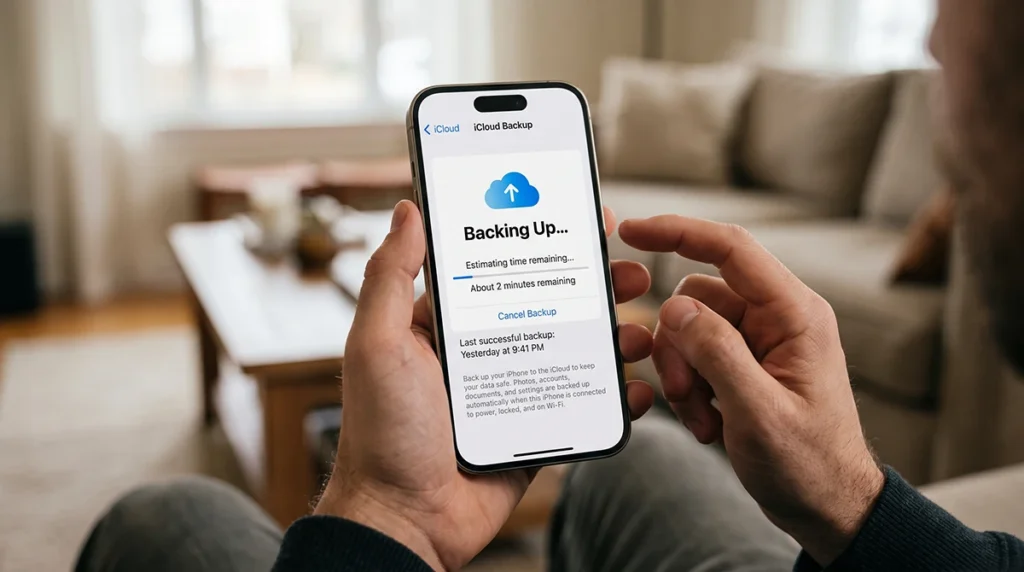
iPhone 18 displaying the iCloud Backup screen with Back Up Now selected

Backing up your iPhone 18 with iCloud takes less than a minute once iCloud Backup is enabled. Go to Settings > [Your Name] > iCloud > iCloud Backup, then tap Back Up Now while connected to Wi-Fi. An iCloud backup protects your photos, app data, device settings, messages, and other important information if your iPhone is lost, damaged, replaced, or reset. Apple … Read more >>

How to Force Restart iPhone 18 (Fix Frozen or Black Screen)

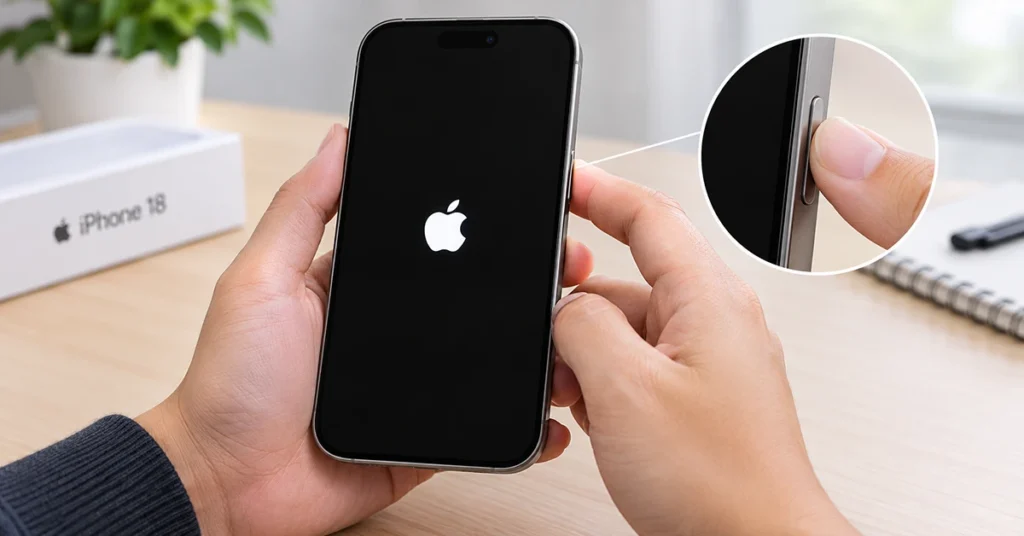
Person force restarting a frozen iPhone 18 by holding the side button until the Apple logo appears

If your iPhone 18 is frozen, unresponsive, or stuck on a black screen, a force restart can often restore normal operation without deleting your data. This quick fix works even when the touchscreen stops responding or the buttons appear stuck. To force restart iPhone 18 when frozen, press and quickly release Volume Up, press and quickly release Volume Down, then press and … Read more >>

iPhone 18 Pro Max Recovery Mode: How to Enter, Exit, and Use It Safely

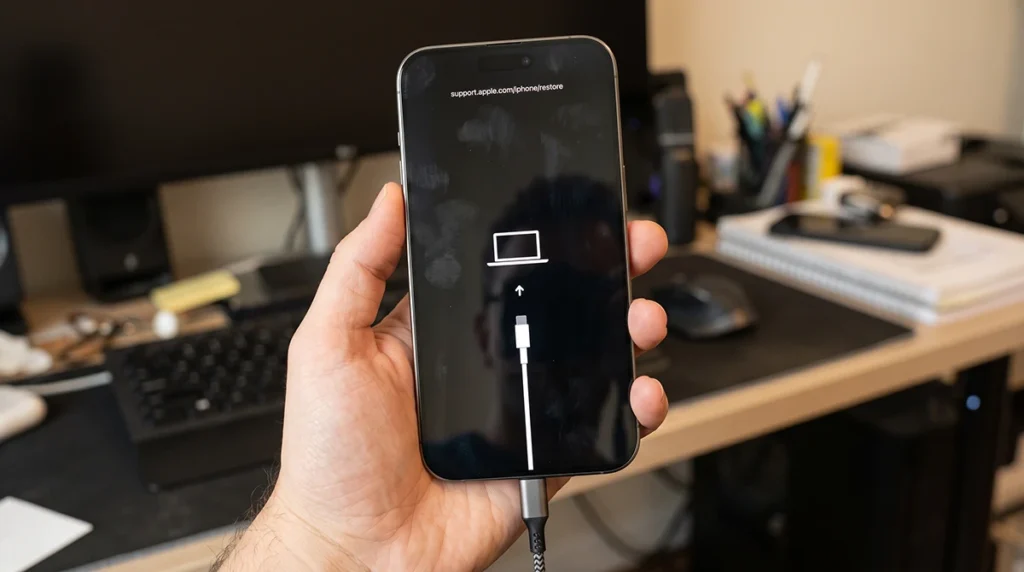
iPhone 18 Pro Max recovery mode screen showing a cable and computer icon

iPhone 18 Pro Max recovery mode is a built-in troubleshooting state that lets your iPhone communicate with a computer so you can update or reinstall iOS. Use it when your iPhone will not start normally, gets stuck on the Apple logo, fails an update, or needs a system repair. This guide shows the exact button sequence for the iPhone 18 Pro Max, … Read more >>

iPhone 18 Pro Max Charging On Hold? Here’s Why (And 5 Proven Fixes)

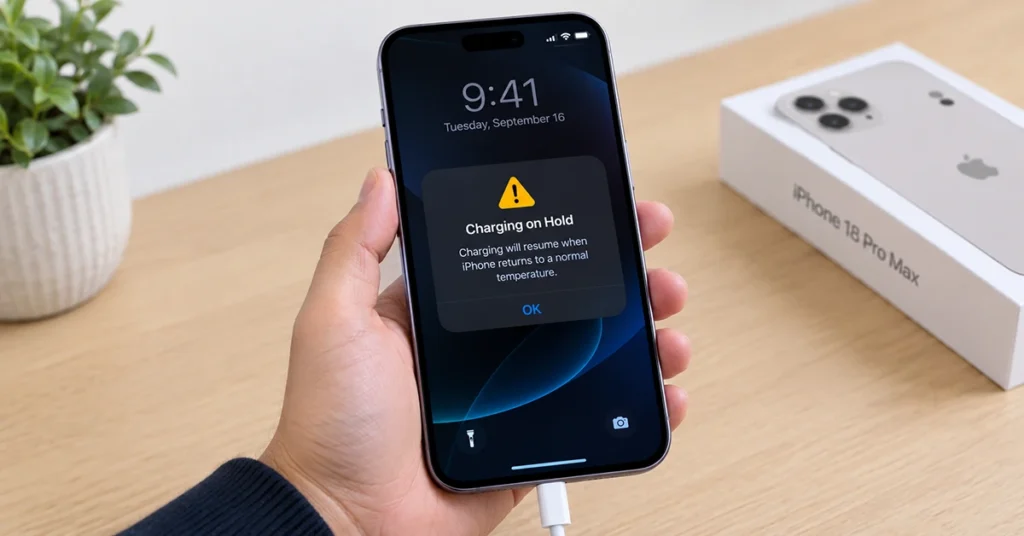
iPhone 18 Pro Max displaying Charging On Hold alert while connected to a charger

Charging On Hold on an iPhone 18 Pro Max means the battery is temporarily too hot or too cold to accept a charge safely. It is not a defect. The message appears on the Lock Screen and in Settings > Battery, and charging resumes automatically once the battery returns to a normal temperature range — usually within a few minutes. This is … Read more >>