How to Fix SOS Only on iPhone 18: Complete Troubleshooting Guide
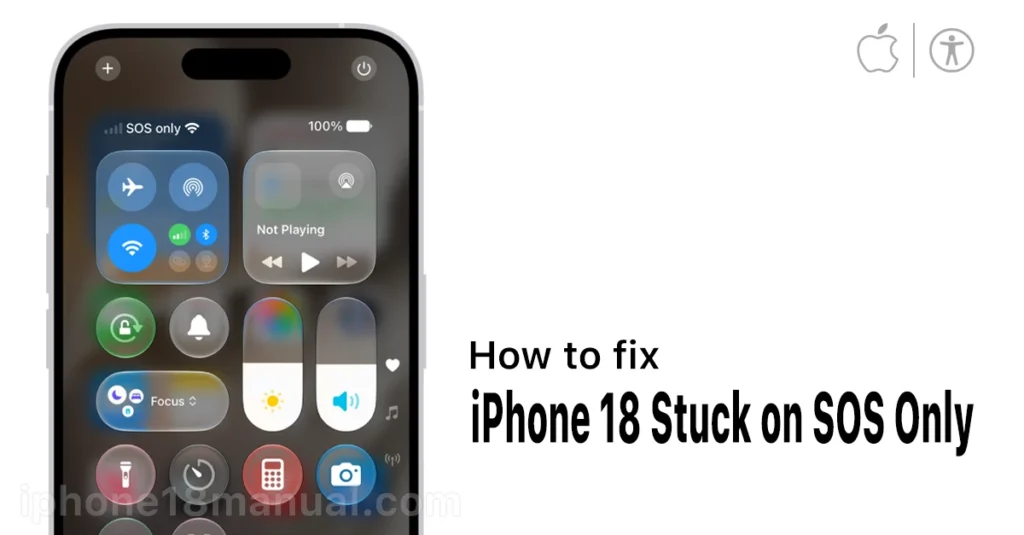
fix sos only on iphone 18

Seeing “SOS” or “SOS Only” in the top corner of your iPhone 18 instead of your signal bars is unsettling — your texts won’t send, calls won’t connect, and mobile data is dead. The good news: in most cases, SOS Only is a temporary connection issue, not a broken phone. This article will help you to fix SOS Only on your iPhone … Read more >>
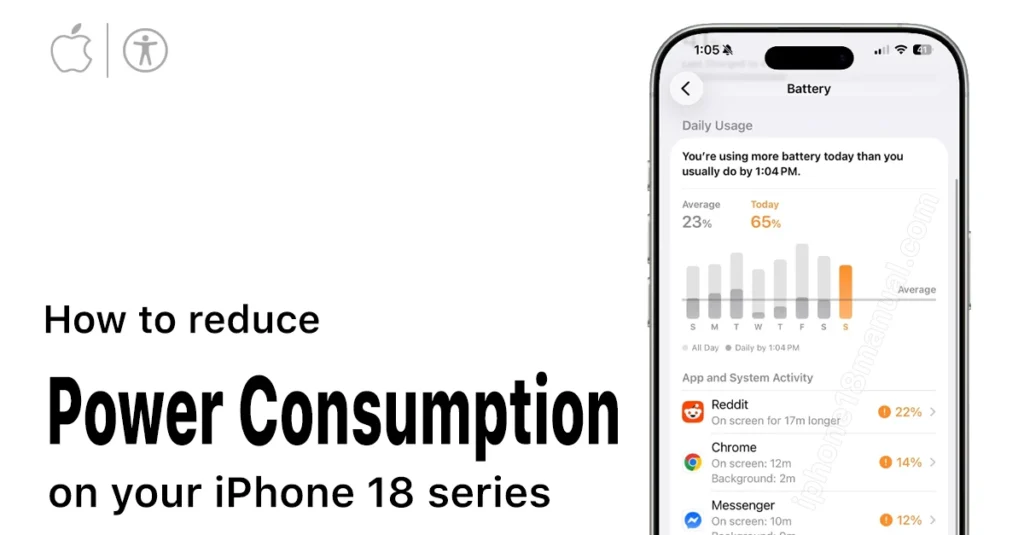

How to Reduce Power Consumption on iPhone 18 Series: 15 Settings That Actually Work

reduce power consumption on iphone 18

To reduce power consumption on iPhone 18, adjust a few settings that drain battery throughout the day. Start by enabling Low Power Mode, lowering screen brightness, limiting background app activity, and turning off unnecessary wireless connections. You can also review battery usage to identify apps consuming excessive power. These simple adjustments help extend battery life, reduce unnecessary energy consumption, and keep your … Read more >>

How to Use iPhone 18 as a Webcam — Mac & Windows Setup Guide

use iPhone 18 as webcam

You can use iPhone 18 as webcam for video calls, online classes, meetings, and livestreams instead of relying on your computer’s built-in camera. If you have a compatible Mac, Apple’s Continuity Camera feature lets you connect your iPhone wirelessly or with a USB cable. On a Windows PC, you can use compatible third-party webcam software to send your iPhone’s camera feed to … Read more >>

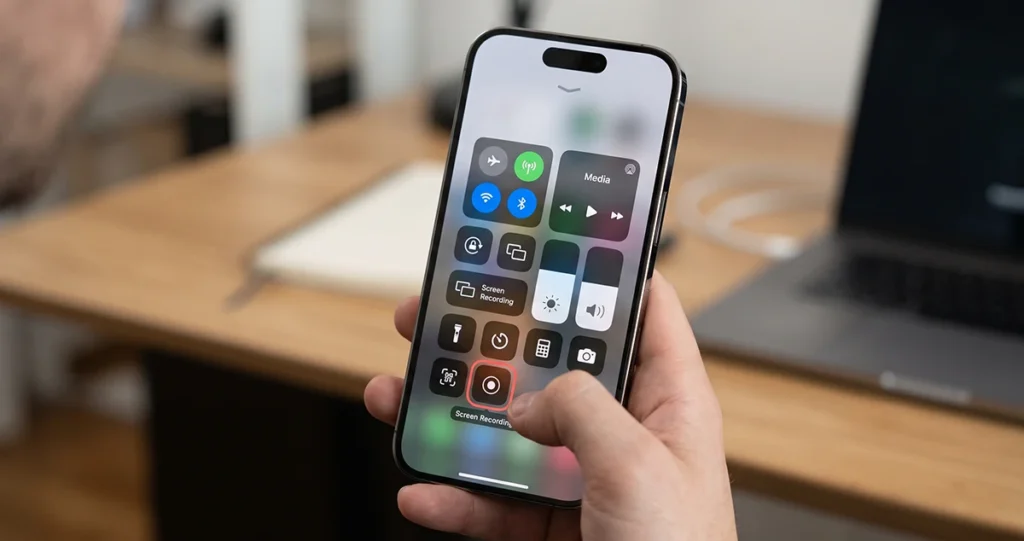
How to Screen Record on iPhone 18 Pro and Pro Max (iOS 27 Guide)

iPhone 18 Pro Max Control Center Screen Recording Toggle

To screen record on iPhone 18 Pro or iPhone 18 Pro Max, swipe down from the top-right corner of the screen to open Control Center, tap the gray Record button, wait through the three-second countdown, then exit Control Center — your iPhone is now capturing everything on screen. To stop, tap the red indicator in the top-left corner and tap Stop, or … Read more >>